Using QALC as my terminal calculator for Linux!
Posted on: 25 August 2025
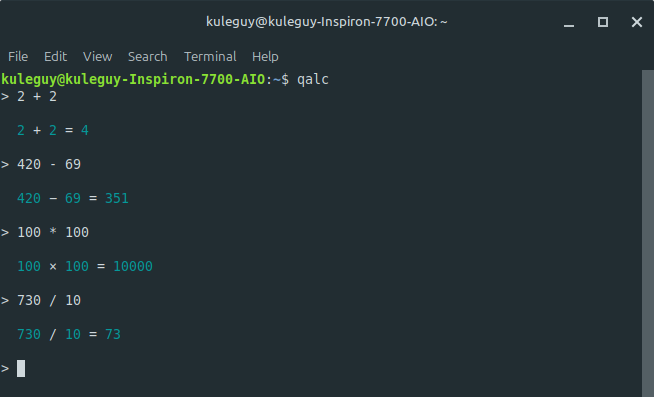
Table of Contents
My first blog! Hello!
Anyways, a lot of times on my computer, whether it's on Windows or Linux, I would use a calculator.
On Windows I would use the built-in calculator app because it's what I'm used to, but on Linux I would use the terminal.
Now yes, there are built-in calculator apps for most Linux distros. See below.
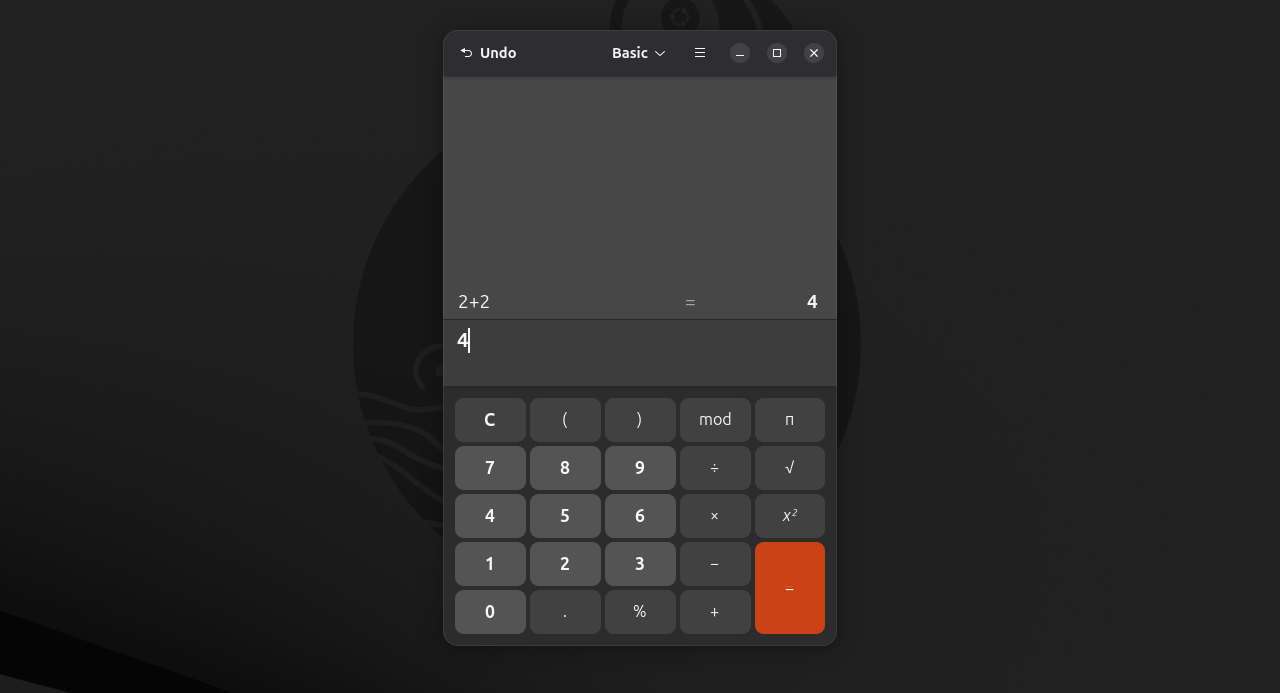
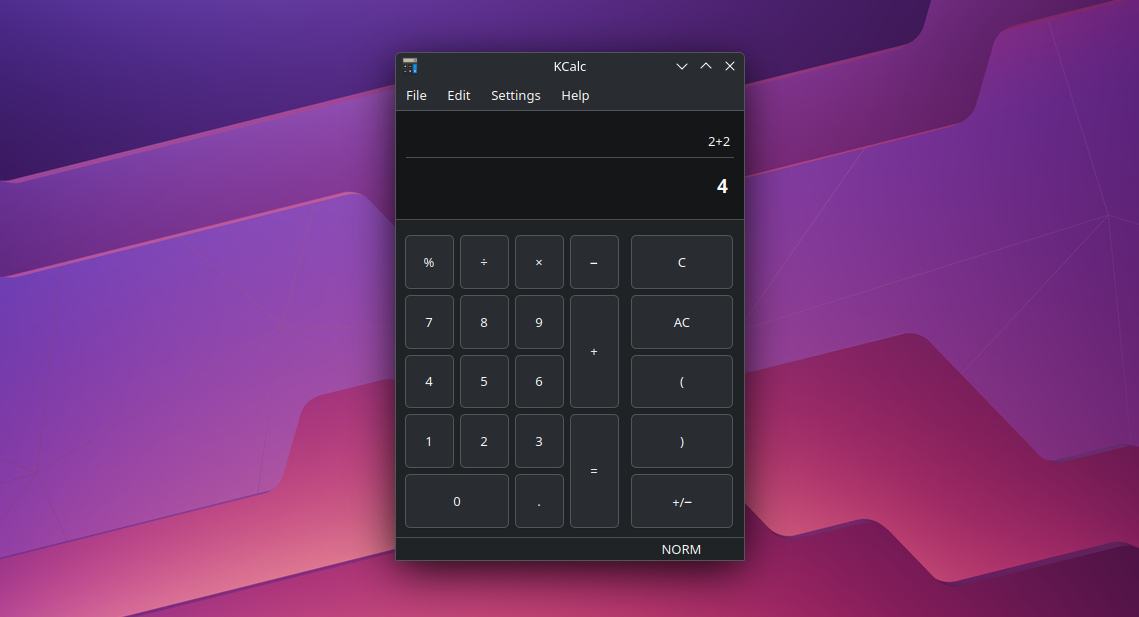
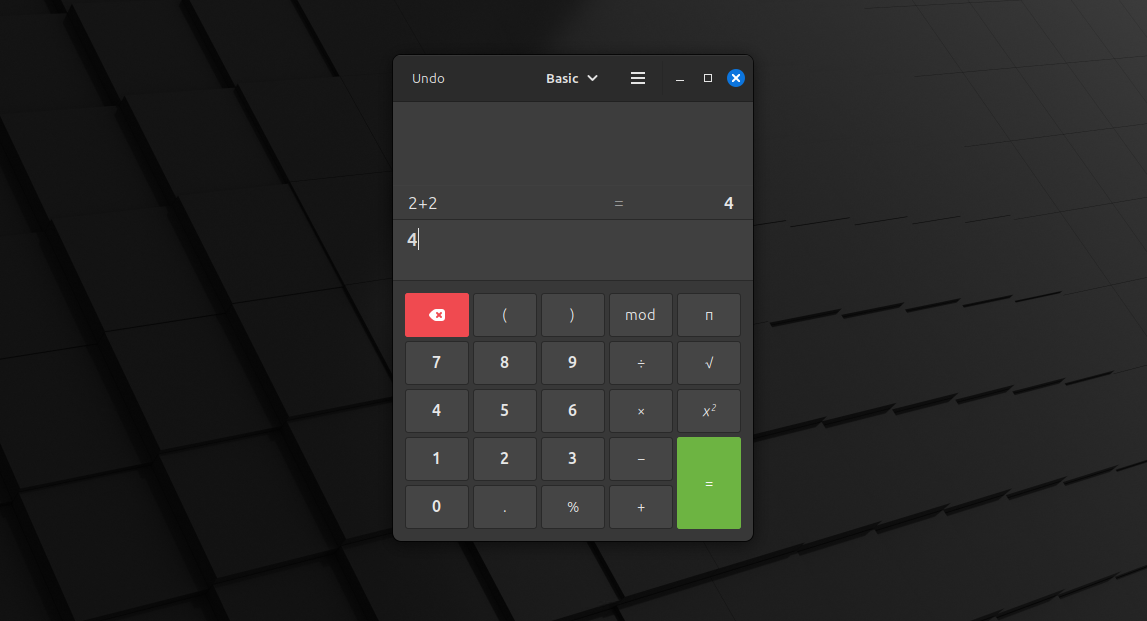
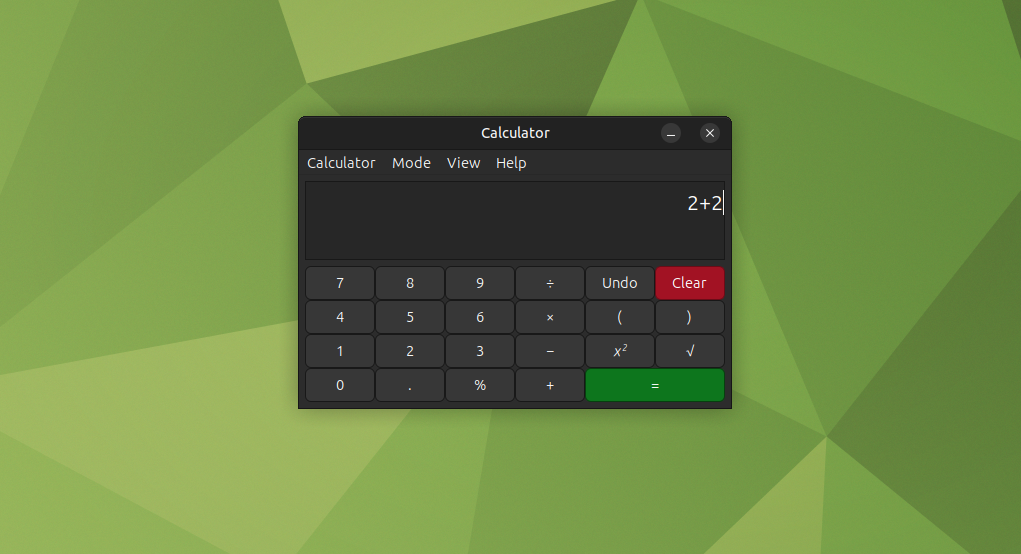
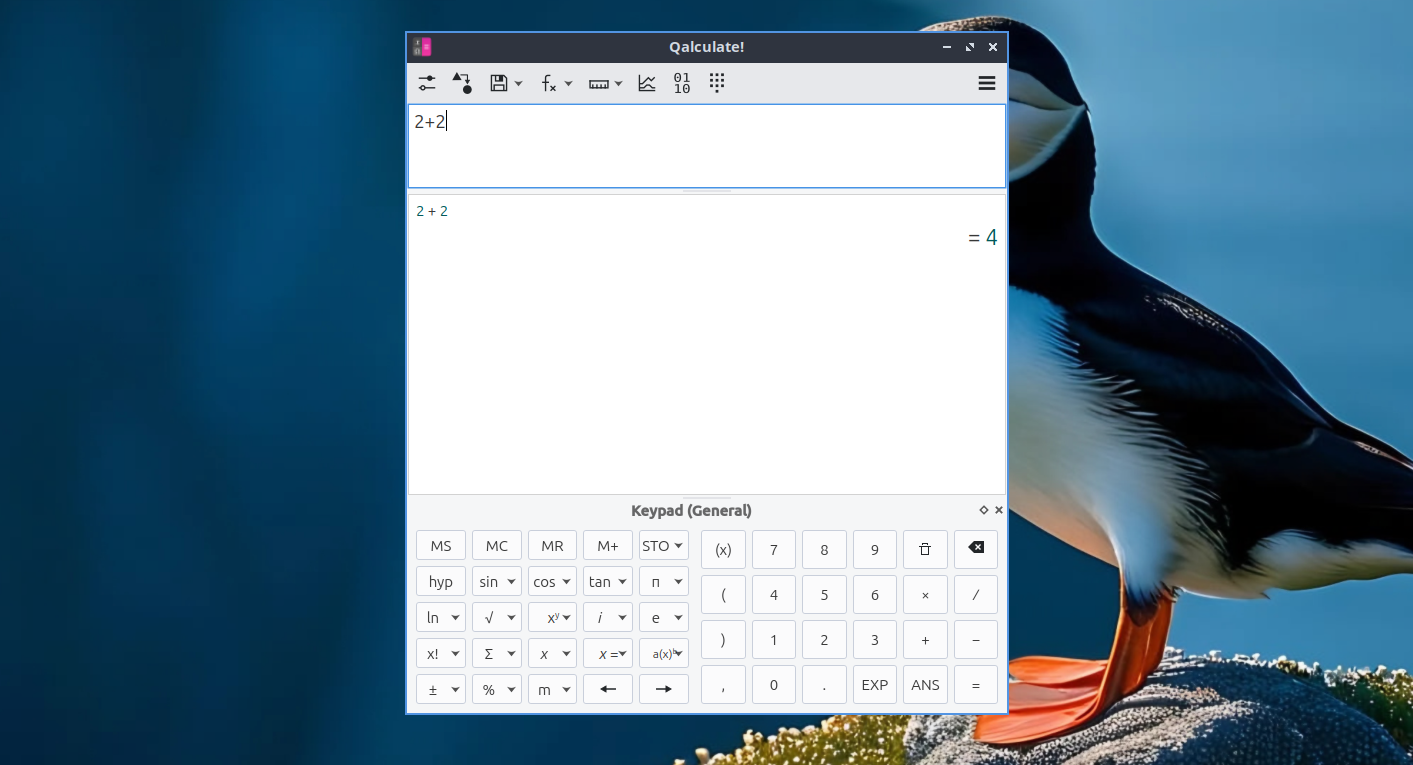
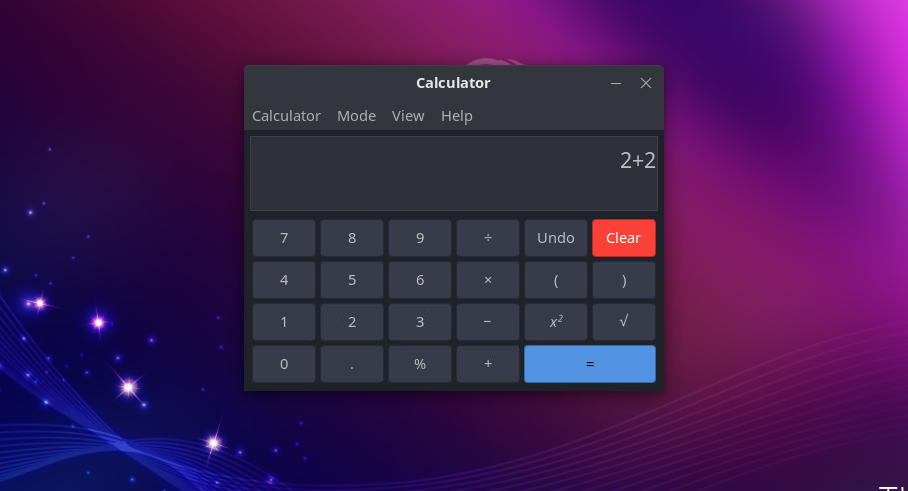
But for me, I use the terminal because it's what I'm used to, it's fast, simple, and cool to have!
So what do I use? I use a program called qalc, you can install it by using this command:
$ sudo apt install qalc
When I type "qalc" into the terminal, it gives me the > greater than arrow and when I enter in arithmetic operations like 2+2, it gives me 4; or 100 / 5 and it gives me 20.
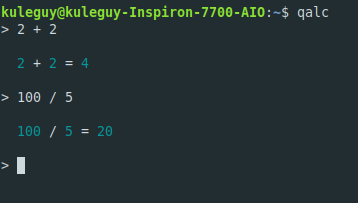
This is pretty basic and it's what I do everytime, but another command that I found is:
$ qalc -help
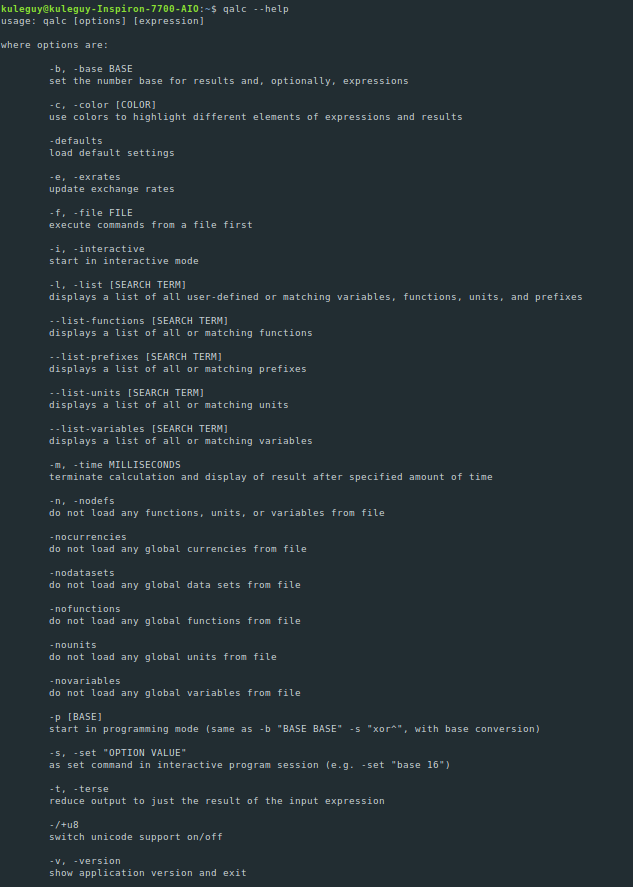
This lists out all the commands that can used for qalc.
I'm not gonna go through all of them, but I will go through the ones that interests me.
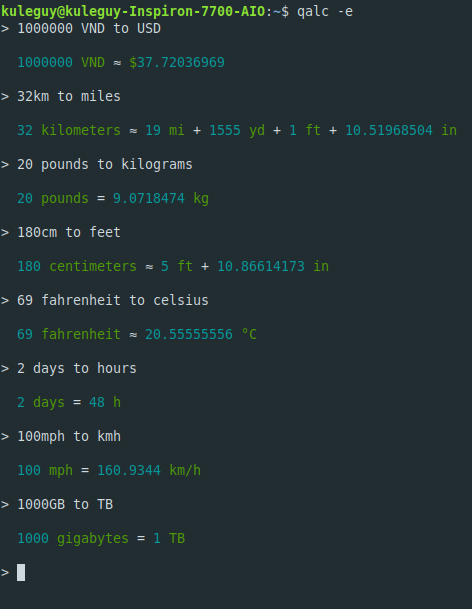
qalc -e OR qalc -exrates
$ qalc -e
$ qalc -exrates
This command allows you to convert units into different values. Whether it's: money, distance, weight, temperature, time, speed, storage, and etc... This is pretty cool and convenient! The money conversion isn't always accurate though...
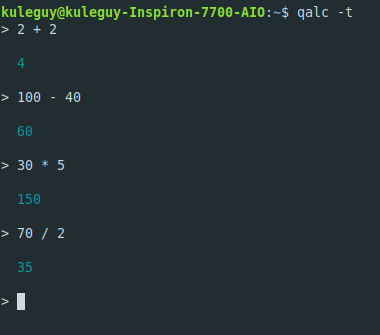
qalc -t OR qalc -terse
$ qalc -t
$ qalc -terse
This command spits out only the results for your calculations, minimizing the clutter of having the expression along with it.
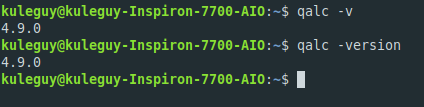
qalc -v OR qalc -version
$ qalc -v
$ qalc -version
To end this blog post, this command just gives you the version number for the qalc program and that's it.
Qalc is a versatile cli for the Linux terminal. Although it's not as easy to use and fleshed out as the built-in GUI interfaces, it's still a worthy tool to use and a simplistic way to do calculations.